
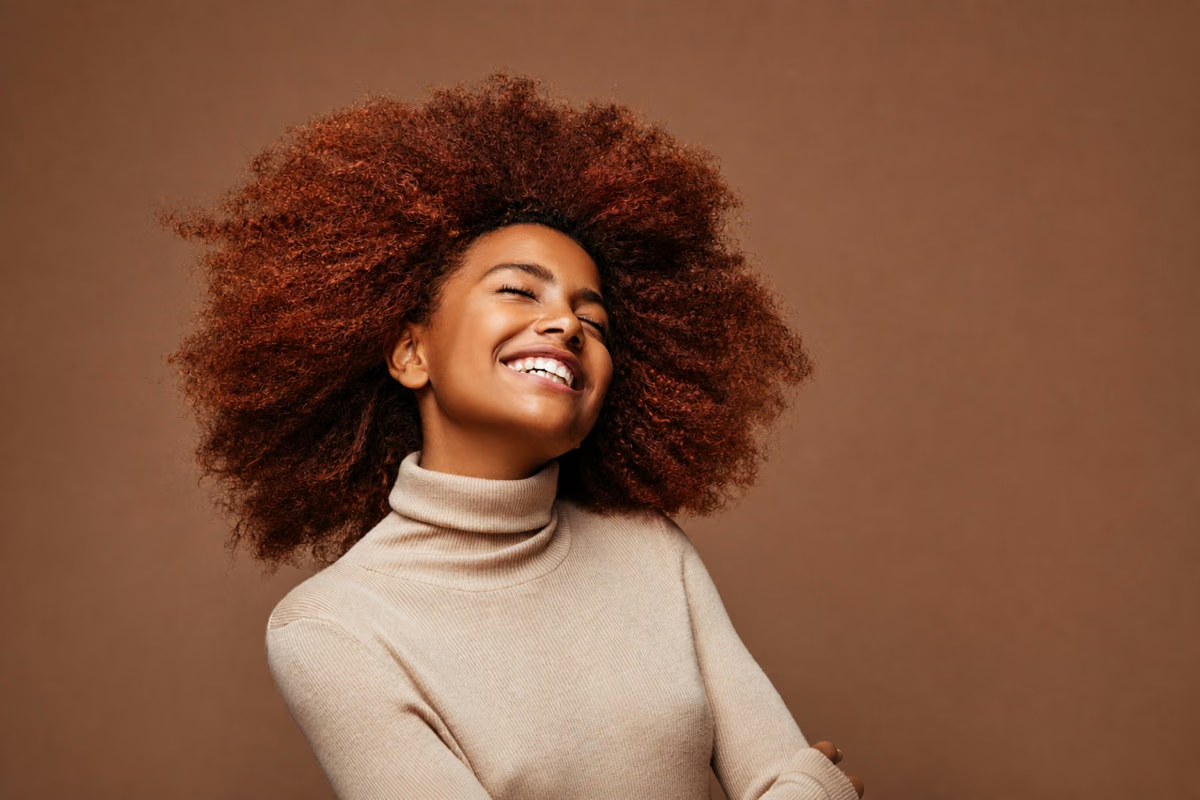

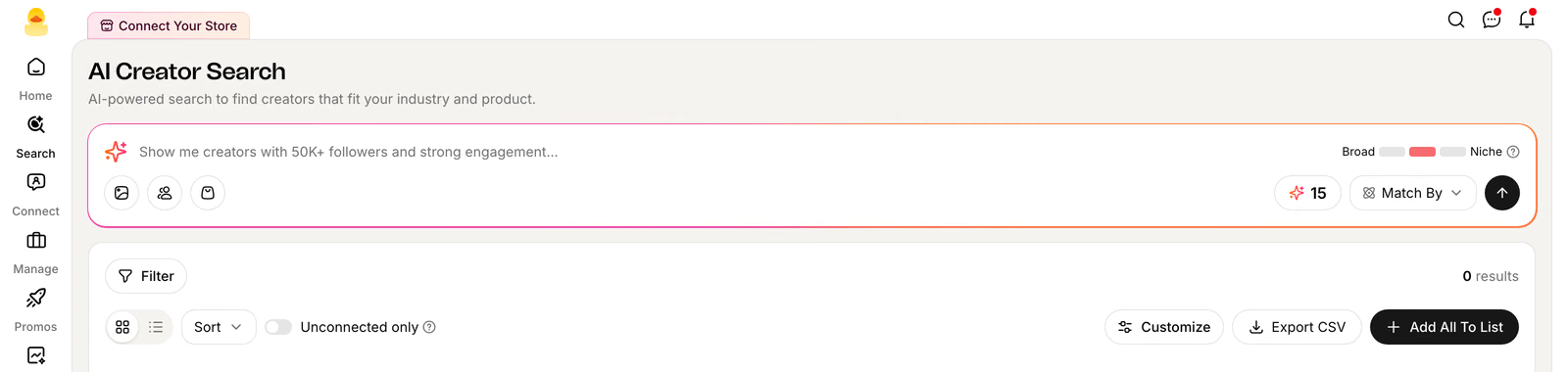
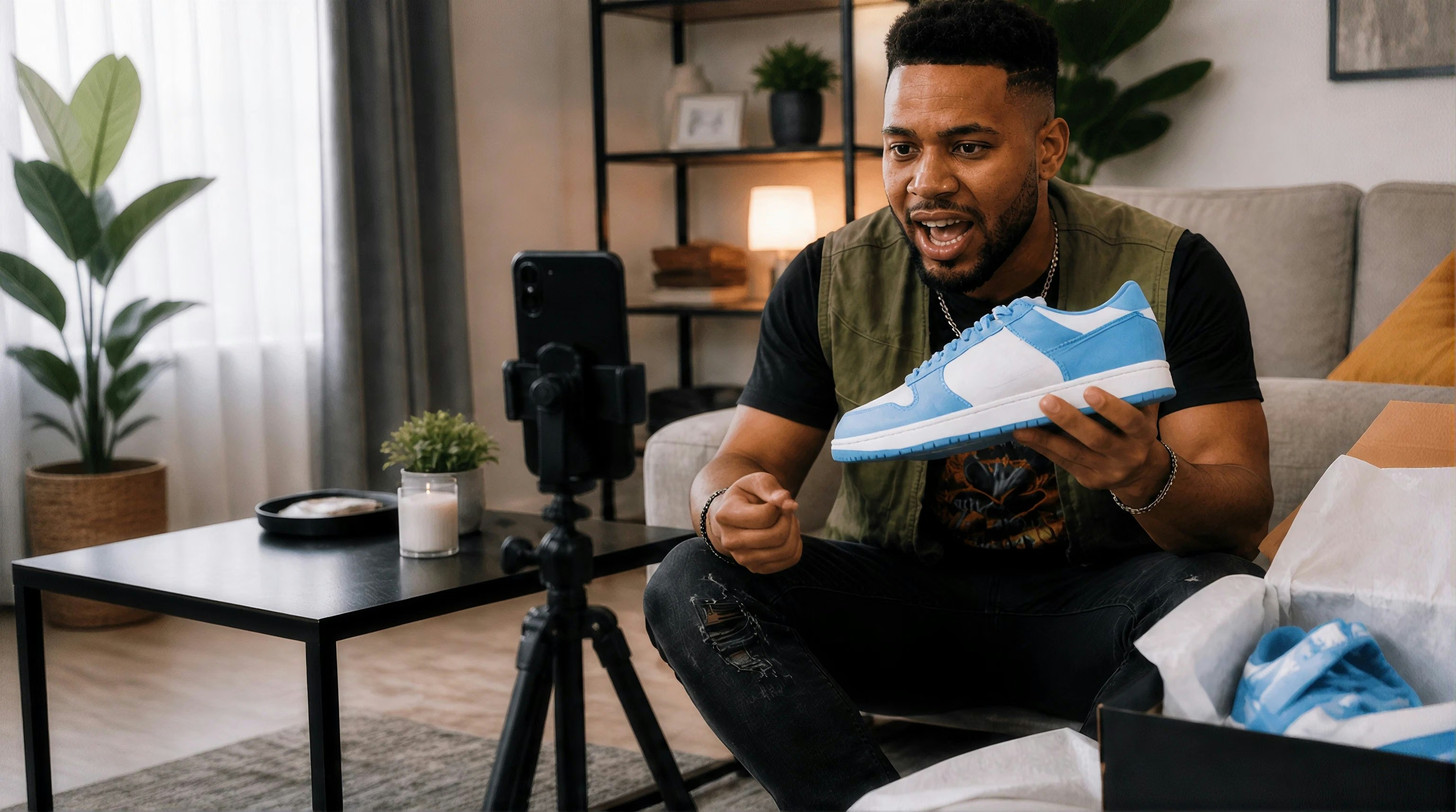

Upload a product photo, creator image, moodboard, or campaign reference. Quacko analyzes the visual context and finds creators with similar content and style.

Feature highlights
From Image to Creator Shortlist
Upload Any Visual Reference
Start with a product photo, creator screenshot, campaign moodboard, or lifestyle image—no keyword setup required.
Match What Is Actually Visible
Quacko reads scenes, product context, styling, presentation, and visual patterns across creator videos—not only profile bios.
Refine With Commerce Signals
Layer on category, audience, engagement, GMV, post rate, and creator filters, then save the strongest matches to a list.
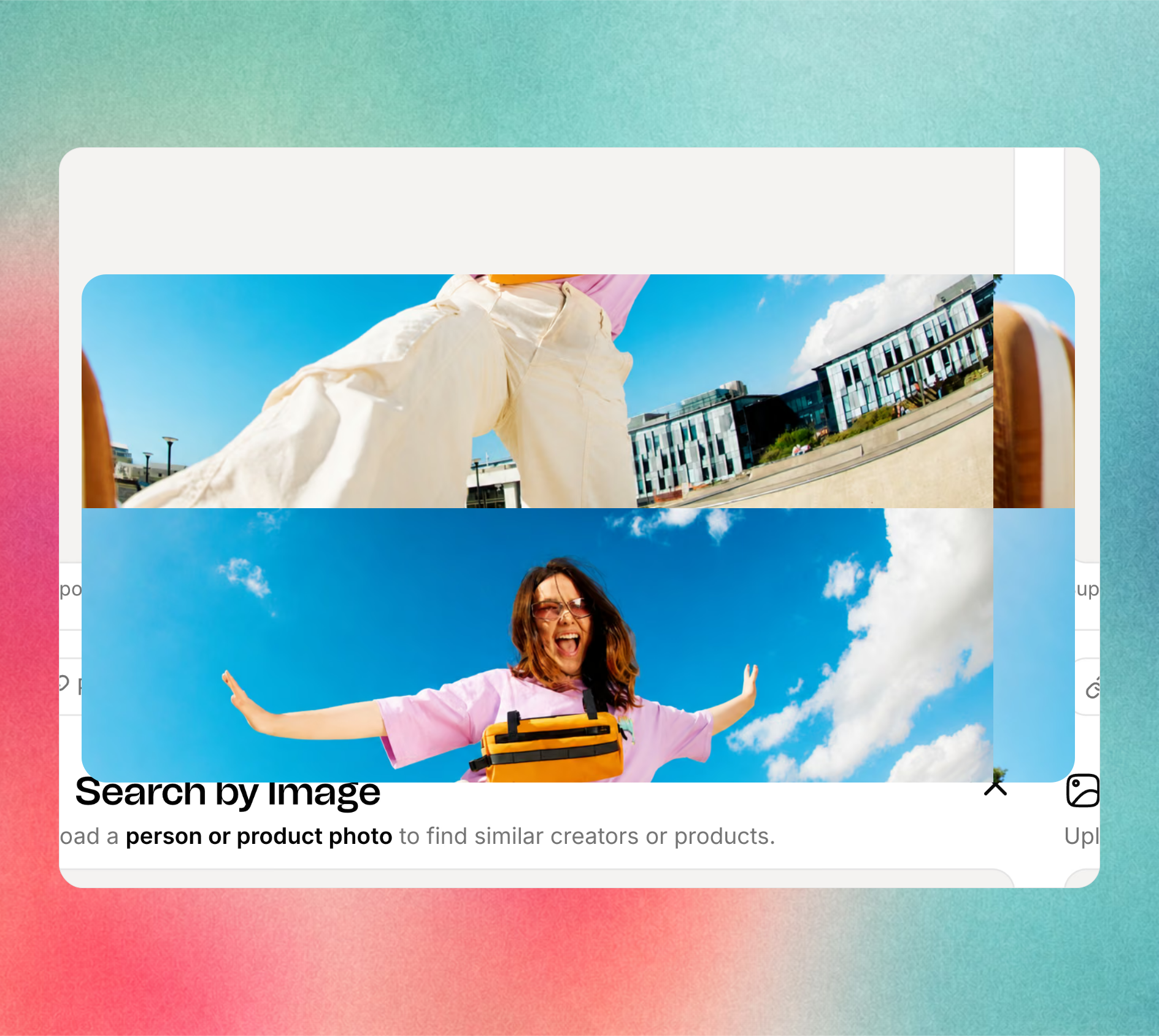
Move from visual direction to outreach. Review each match in context, compare recent content, and send the strongest creators to a shared list or outreach workflow.
Try For Free ↗FAQ
Image Search Questions?
Quacko Image Search lets you upload a product photo, creator screenshot, moodboard, or campaign reference and find TikTok Shop creators whose content shares similar visual context and style.
You can start with product photography, lifestyle imagery, a creator screenshot, packaging, a campaign moodboard, or another clear visual reference. JPG, PNG, and WebP formats work best.
Quacko evaluates visible signals such as setting, product context, styling, content format, and on-camera presentation, then compares those signals with creator content.
Yes. After the visual match, your team can refine creators by category, audience, engagement, GMV, posting activity, and other commerce signals before saving a shortlist.
Yes. Image Search can help you find creators whose existing content naturally fits a product or campaign direction, then move qualified matches into lists, outreach, and sampling workflows.




Find Your Next Top Creator?
See Quacko on your own product and category in a 20-minute walkthrough.
No credit card required.